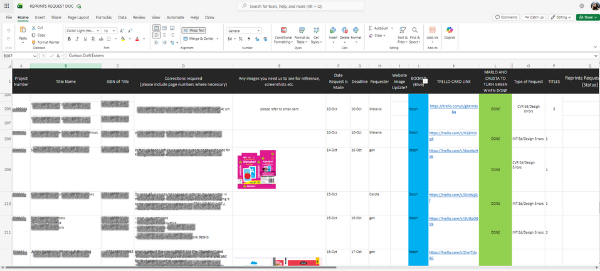
The corrections team ran every reprint request through one shared Excel sheet. Concurrent edits made intake messy, requests got buried in hundreds of rows, and following up meant scrolling and guessing at status.
BEFORE
THE WORKFLOW
How the system works, step by step
Request submitted on Microsoft Forms
Logged to Microsoft Lists
Project manager alerted via auto email
Project manager endorsed task to teammate
Status tracked to done and requester gets notified
THE SOLUTION IN ACTION
One system, fully trackable
AFTER
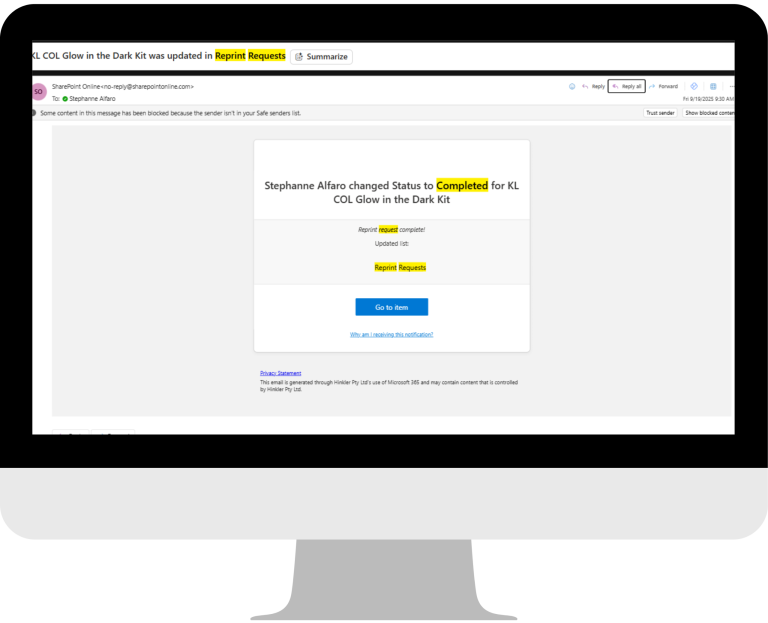
Notification Alerts
Automated email notification on new requests and completed requests.
AFTER
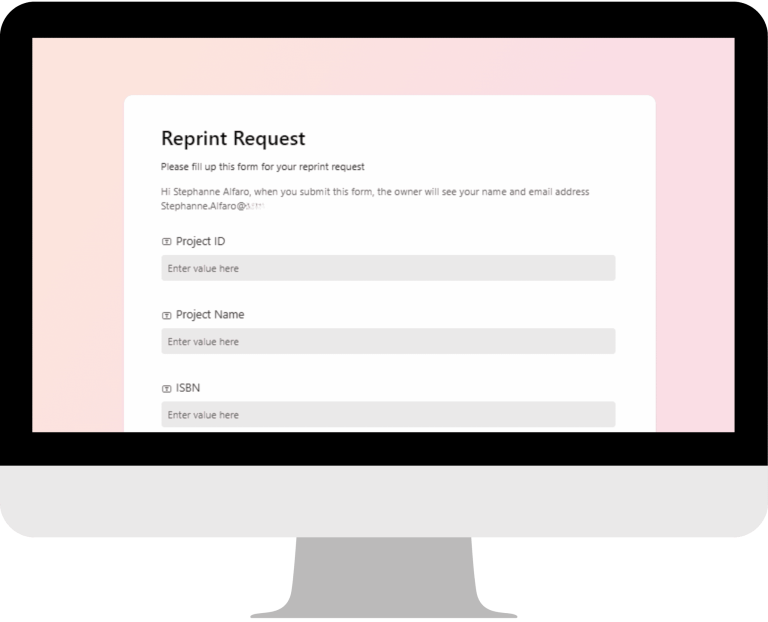
Intake Form
Simple and structured entry for requests using Microsoft Forms.
AFTER
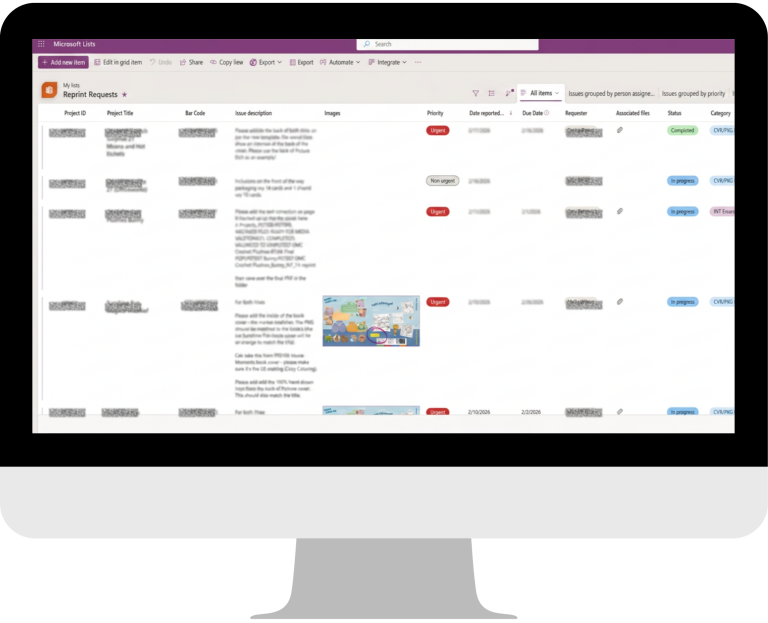
Microsoft List Tracker View
Information is listed in an organized and uniform manner.
THE OUTCOME
What changed for the team
Turnaround cut by half
One current source of truth
No more manual follow-up
CUSTOM SOLUTIONS
Adaptable to businesses
This same intake-to-tracker logic applies to any team drowning in a shared spreadsheet: QA requests, IT tickets, design revisions, vendor issues.
Got a process running on a shared spreadsheet?
Let’s map out your current process and build a workflow that solves it.